
PrestaShop Optimization
Entrust your e-commerce site to web performance experts
Is your PrestaShop installation showing signs of weakness that negatively impact your online sales business?
Get a quote in 24hCertified

Rely on recognized experts to evolve your technical stack towards current best practices!
Our web performance experts optimize your PrestaShop store to achieve the best standards
Send a strong signal to Google and your visitors: focus on Core Web Vitals
A fast shop ensures customer satisfaction, thus maximizing your chances of converting them into customers. As we know, internet users don't like waiting for a page to load, and if you don't measure up, your competitors might... By entrusting us with the optimization of your PrestaShop online store, you will remove the bottlenecks that hinder its loading times.
Product listing and description pages that load quickly are also a guarantee of visibility in Google's results pages. Server response times, represented by the TTFB metric, significantly impact how search engines use the Crawl Budget they have allocated to you. The more performant your PrestaShop site, the better it will be indexed... and therefore visible in the SERPs.

A service in 4 key steps
Our PrestaShop optimizations are broken down into several key stages.

Technical Alignment
01To maximize the potential of our technical intervention, it is essential that we understand how your e-commerce site works. This first video conference meeting is an opportunity to understand its history, its evolutions, its shortcomings in terms of speed, or even your web performance goals.
Tracking implementation
02We place a tag on your site that collects performance data from your real users. This "RUM" data is used to precisely identify bottlenecks. Thanks to this data-driven approach, we operate with maximum visibility on your issues.
We deploy Lighthouse monitors on your key pages to provide you with a synthetic view of performance evolution. Launched every 8 hours, they allow us to quantify mobile and desktop gains. Practical for those who track Core Web Vitals metrics in a tool like PageSpeed Insights.
PrestaShop Optimization
03After a complete audit of your PrestaShop site, we deploy performance fixes within its theme. This step, which takes place over 3 days, is the key to the intervention's success: we modify HTML, CSS, JavaScript, webfonts, images, or even server configuration to sustainably improve your store's Core Web Vitals.
Intervention Report
04We meet via video to present the results of our work. The deliverable is presented to you with, for each optimization implemented, detailed information on the deployed changes and their impact on performance metrics (LCP, CLS, or INP). This is an ideal moment for discussion to answer your questions and share best practices that will ensure the long-term success of your PrestaShop store.
They entrusted us with optimizing their PrestaShop








Why is a PrestaShop site slow ?
A PrestaShop store slows down for five main reasons: undersized hosting, a heavy theme, too many modules, a large, poorly indexed catalog, and poorly configured caching. The catalog size is the e-commerce specific issue: where a showcase site serves a few dozen pages, a store generates thousands.
Modules are the first area we examine to optimize PrestaShop. Each adds its own stylesheets and scripts, often loaded on all pages when they are only used on one: a payment module loaded from the homepage slows down visitors who will never reach the checkout tunnel.
The catalog then presents a different kind of problem. Calculating prices, variations, discount rules, and the cart mobilizes the database with each display, and these queries are not cached like static HTML. Listing and search pages are the most exposed, precisely those that carry organic traffic.
Added to this is the issue of the theme. Commercial themes prioritize functional richness over code simplicity, with embedded JavaScript libraries and homepage sliders. Switching to a modern theme changes the order of magnitude, but it requires a front-end overhaul that not all stores can afford immediately.
You have a question?
We have the answer!
Consult the FAQ for more details on the service.
The PrestaShop Expert certification officially validates our mastery of the CMS: core architecture, theme and module functionality, and the specific constraints of e-commerce front-ends. It guarantees safe interventions, compliant with the ecosystem's standards and compatible with future updates to your store.
A PrestaShop optimization costs between €2,500 and €3,500 excl. tax, depending on the catalog size, the number of modules, and the theme in place. This service is offered as a package that includes the initial technical alignment meeting, the intervention itself (3 full days), as well as the creation and video presentation of a detailed report.
To find out the price, we invite you to contact our account manager Marylise by email or phone. She will get back to you quickly with a detailed quote that meets your expectations.
Our web performance experts have the necessary skills to intervene directly and safely on the most complex PrestaShop installations. This can be very useful if you do not have experienced front-end developers.
If you have your own teams or an external provider who knows the project, an audit is a relevant alternative to PrestaShop optimization: instead of implementing the optimizations ourselves, we will provide them with a list of actionable recommendations. We can even oversee the production deployment through acceptance testing, included in the audit service.
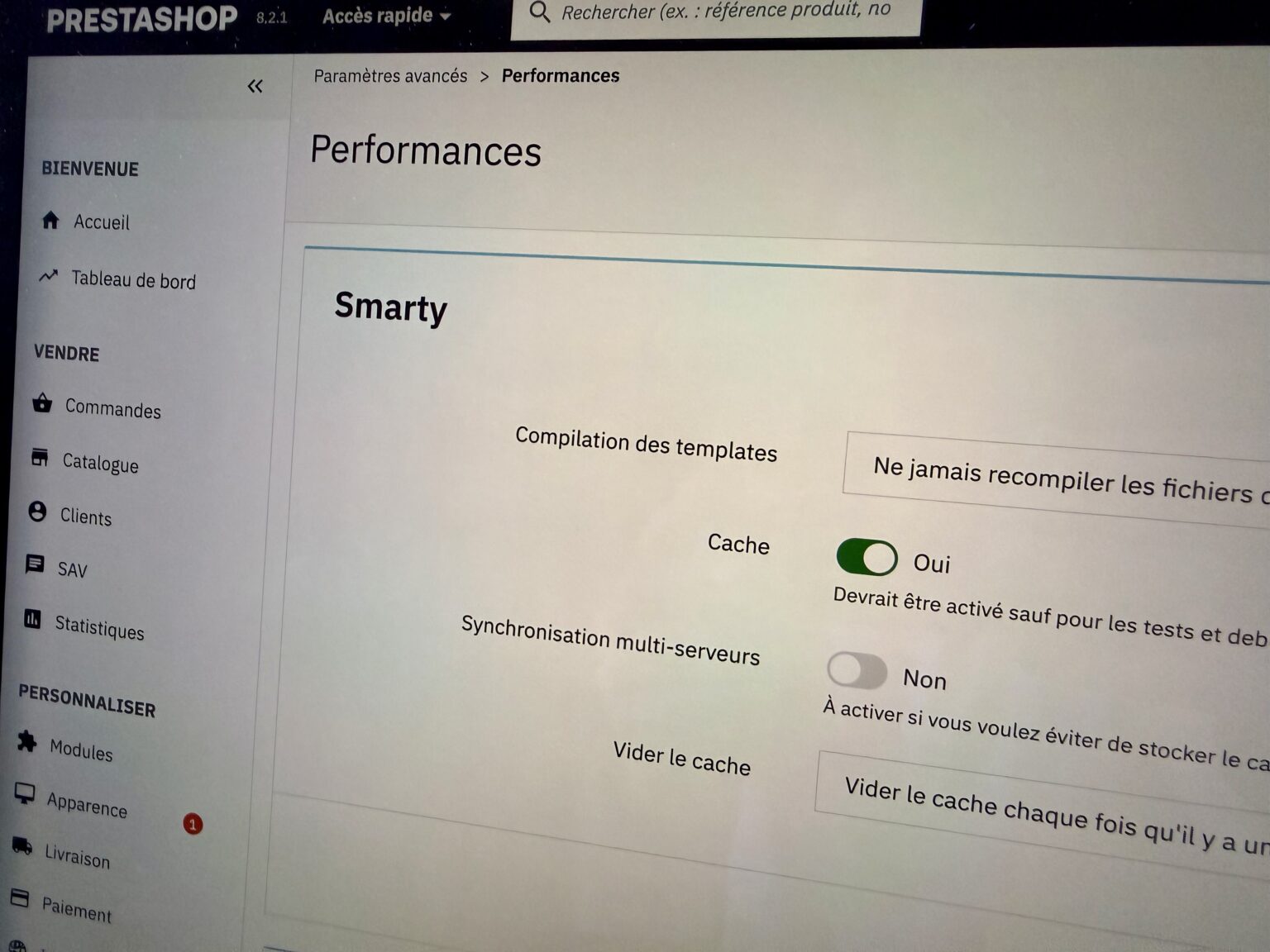
Start with the server and cache, then address modules and the theme. On PrestaShop, native caching, Smarty compilation in production mode, and resource aggregation are the first settings to check: they often remain in development configuration, which multiplies the workload with each display.
The second task is to optimize PrestaShop on the module side: disable those that are no longer used, limit the loading of others to the pages where they actually appear, and remove duplicate libraries. A disabled module sometimes continues to load its resources as long as its files remain referenced by the theme.
The fundamentals common to all sites remain: modern image formats, prioritization of the first screen image, reserved dimensions to avoid layout shifts, and deferred third-party scripts. On a store, these actions are replicated across thousands of pages, which changes the scale of the gain compared to a showcase website.
Branch 9 is currently the most performant. PrestaShop 9.1 is based on Symfony 6.4 LTS, supports PHP 8.1 to 8.5, and includes Hummingbird 2.0 as the default theme, a complete front-end redesign built for performance and accessibility, whereas the Classic theme carried old technical baggage.
The PHP version matters as much as the PrestaShop version. Moving from an old version to PHP 8.3 or higher significantly reduces generation time without altering the store's code. This is the cheapest gain in the entire chain, provided that the installed modules are compatible, which is verified before switching.
A major update is not to be taken lightly, however: moving to branch 9 involves checking the compatibility of each module and, if necessary, changing themes. We audit this compatibility before making any migration recommendations, because a broken store costs more than a few hundred milliseconds.