

Today we welcome Alexandre Buffet (Lead Web Developer) & Benjamin Grolleau (Web Developer) from the BSA Web WordPress agency for a guest post focused on WordPress and WooCommerce. They share valuable insights from their experience. We wish you an excellent read 👇
Are you planning to create your online store with WordPress and the WooCommerce extension? What if we told you that it's pretty much all you need to design a high-performance e-commerce site? Okay, but then how do you maximize conversion rates and offer the best possible experience to your customers? With Gutenberg, of course!
First of all, what is a high-performance site?
Website performance is its ability to respond to user requests quickly and smoothly. It is generally measured by indicators such as page load speed, responsiveness to interactions, and site stability.
For an online store, performance is even more important than for a showcase site because the goal is to convert customers. Indeed, users of a merchant site are more likely to abandon their purchase if the site is slow to load or if the user experience is unpleasant.
Fortunately for WooCommerce site owners, there are many levers to pull to optimize the performance of their online store. And that's good, according to the bible of WebPerf, which offers nearly a hundred tips for optimizing your site, Gutenberg is one of them!
Design with Gutenberg, the natively high-performance site editor
For those who don't know it yet, Gutenberg is the native WordPress editor integrated into the core of the CMS since version 5.0 released in 2018. Unlike the previous editor, it is block-based, which allows pages and posts to be created more intuitively and flexibly.
Today, it also allows you to design an entire site with blocks, directly from the administration interface and without needing to know how to code. This is the Full Site Editing experience. With Gutenberg as your site editor, you can therefore customize a site in its entirety, from content to page templates, including the color palette, block compositions, and navigation.
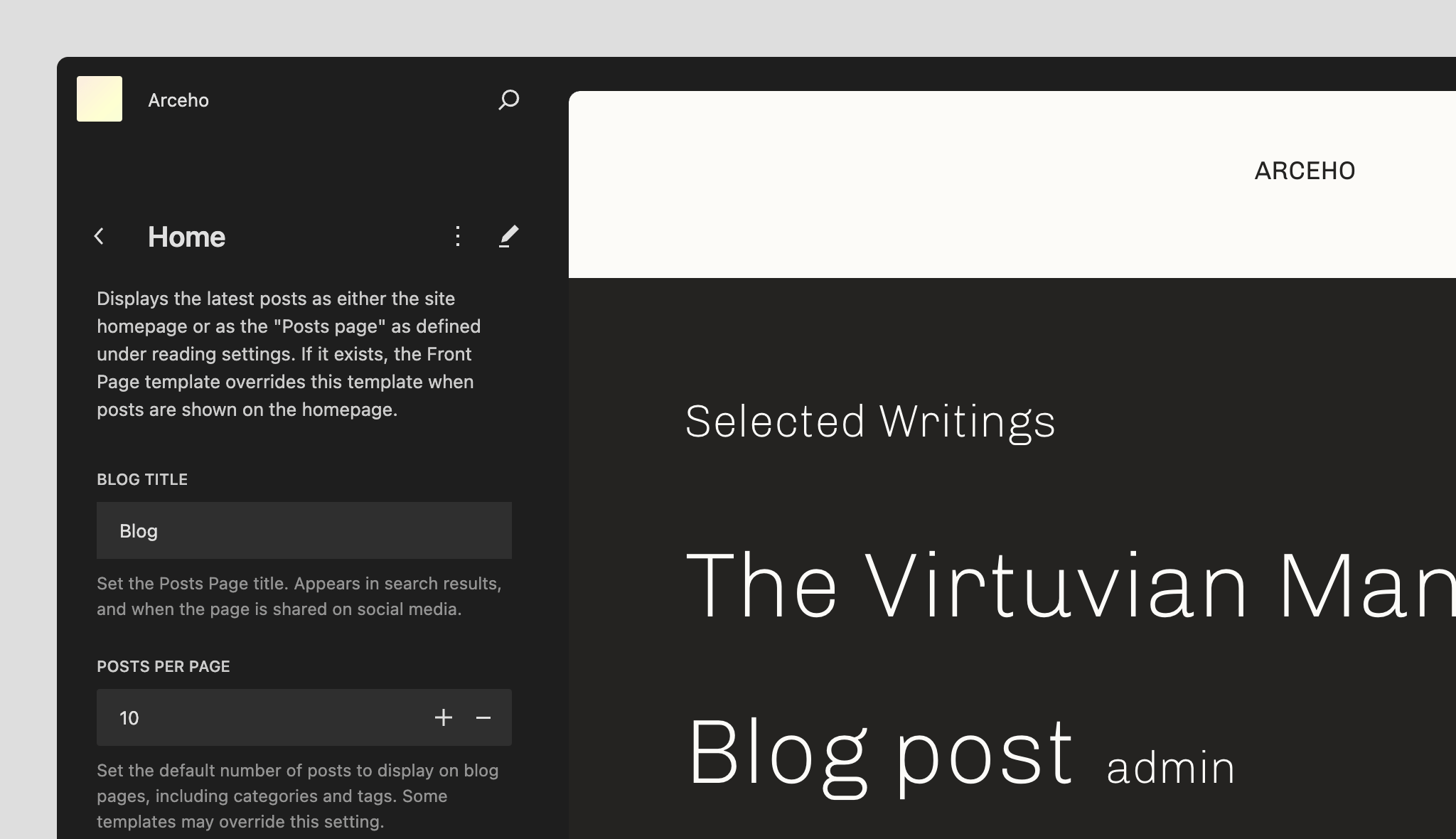
Choosing to use Gutenberg with WooCommerce means betting on the future of WordPress and everything that is best for your e-commerce site. For our performance needs, Gutenberg ticks all the boxes:
- It's the native editor, so there's no need to install an additional page builder.
- You can easily customize blocks without adding extra code.
- The code generated by the blocks is simple and optimized.
- Block styles and scripts are only loaded if they are present on the page.
Obviously, performance has a cost. And we admit, the site editor has some limitations. More advanced blocks like carousels or even more complex ones don't exist natively. But do you really need them?
Between us, it's better to accept this weakness of Gutenberg and see it as one of its greatest strengths in the battle for simplicity and performance on the web. Especially compared to older page builders like Elementor, Divi, or Beaver Builder, which still tend to offer too many possibilities, often superfluous, that can slow down the site.
Take the time to ask yourself the right questions before installing additional extensions, because your choices will inevitably impact your site's performance. Depending on your needs, to go further with Gutenberg blocks, we recommend using block libraries that are as close as possible to the native editing experience, such as Coblocks by GoDaddy or AinoBlocks from ElmaStudio, for example.
Find the best block-based theme for WooCommerce
To make the most of Gutenberg with WooCommerce without affecting your site's performance, you need the best block-based theme compatible with the extension.
As we said just before, with a block-based theme, you'll be able to take advantage of all the benefits of the site editor to create all the views of your online store with blocks. WooCommerce in its latest version provides the essential blocks for your e-commerce site, even the most advanced ones like the Cart and Checkout blocks.
It's then up to you to customize the blocks in the pages and templates offered by your theme or to add new ones via the administration interface. From there, the visual variations are endless! That's why the choice of theme makes all the difference. To navigate the jungle of available themes, we recommend taking a look at the excellent selection made on the Woo.com site.

A theme that has invariably caught our attention this year is the Mugistore theme designed by ElmaStudio. Very elegant, it is a very good example of an e-commerce theme built entirely with Gutenberg and which has a wide variety of block compositions and predefined templates that you can adapt to your business.
If you want to go a little further than the blocks natively available with WooCommerce, most themes recommend installing WooCommerce Blocks. This extension allows you to access the latest freshly developed blocks and take advantage of the latest innovations from WooCommerce and Gutenberg.
Is your site as fast as your visitors expect?

Update WooCommerce to take advantage of the latest optimizations
Speaking of innovation, in addition to contributing to Gutenberg support, WooCommerce's development teams also ensure continuous improvement of the extension's performance. The latest optimization is the release of the HPOS (High-Performance Order Storage) project last August in version 8.0.
If you have already used WooCommerce or regularly visit the developers' blog, you have certainly heard of it. In fact, behind this developer acronym, there is a major update that has been awaited for a long time, which considerably improves the performance of order storage in WooCommerce.
Because it must be said, WooCommerce inherits the flaws of its big brother WordPress in terms of database organization. Until now, the extension stored order metadata in the postmeta table, alongside other data on articles, or ACF fields for example.
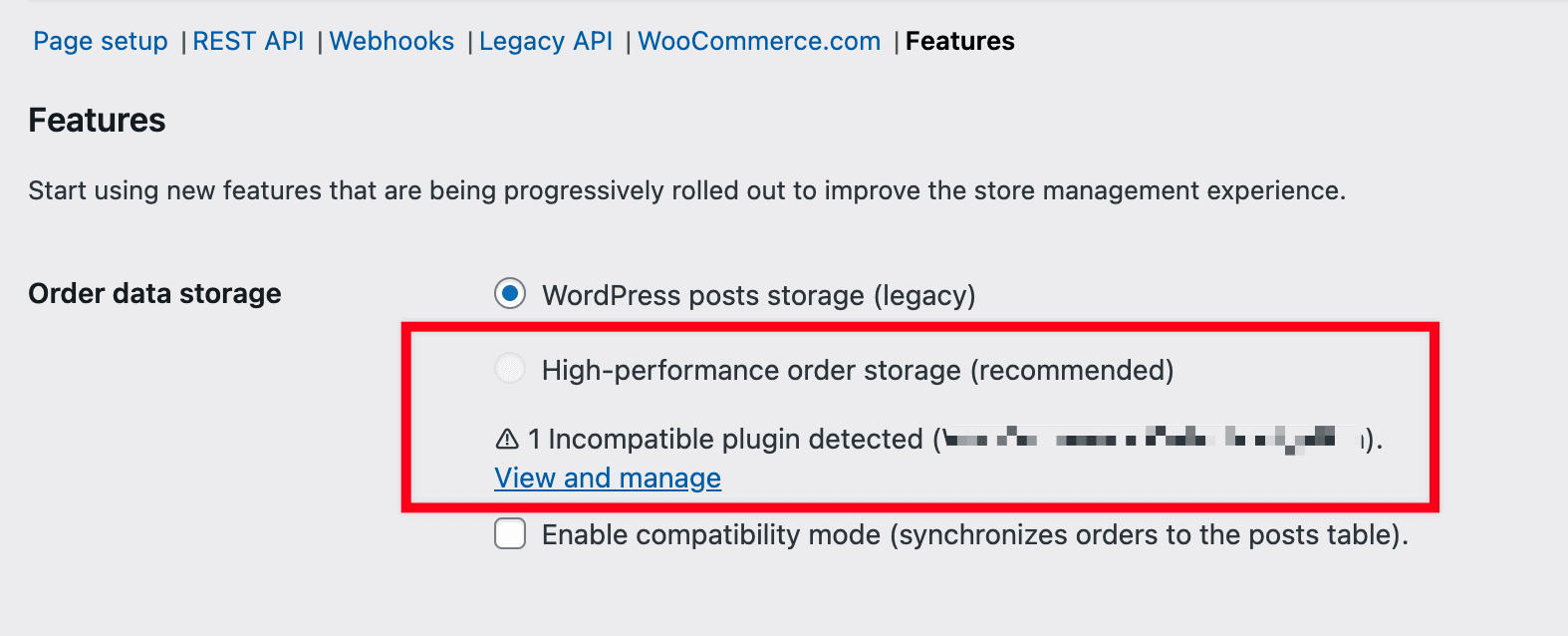
When making SQL queries to retrieve this information, it was therefore necessary to sift through a large amount of poorly organized data before getting a response. Imagine searching for a specific sheet in a binder where everything is mixed up, not easy, right? Now imagine how long it would take you to find that sheet in a well-organized binder, sorted, with nice dividers – everything is faster!
Well, HPOS is WooCommerce's binder. The teams have modernized the original storage method by creating their own database table, and it's much more performant. The proof is in the numbers.
HPOS allows you to create an order 5 times faster than with the traditional database operation and retrieve an order up to 40 times faster!
Source Woo.com
Moreover, if the topic of WordPress database optimization interests you, we can only recommend that you take a look at Thomas Deneulin's conference at WordCamp Biarritz.
Conclusion
In summary, WordPress and Gutenberg coupled with WooCommerce are powerful tools that on their own contribute significantly to improving the performance of an e-commerce site. By using these tools wisely, you can offer very beautiful and high-performing online commerce experiences to your users and increase conversions.
Remember our two main tips:
- Leverage the full potential of Gutenberg and WooCommerce with a block-based theme. Block-based themes allow you to take full advantage of WordPress's native editor. It offers optimal qualities for your site's performance and great flexibility for creating attractive pages and product presentations.
- Keep your WooCommerce installation up to date. WooCommerce regularly releases security and performance updates. It is important to keep your installation updated to benefit from the latest improvements, such as the recent modernization of order storage in the database.
In addition to these tips, we will specify that it is also very important to choose a good web host and have a good caching policy. If the store already exists and is slow, a WordPress optimization by specialists remains the shortest path. Two other essential elements to ensure good page loading speed.