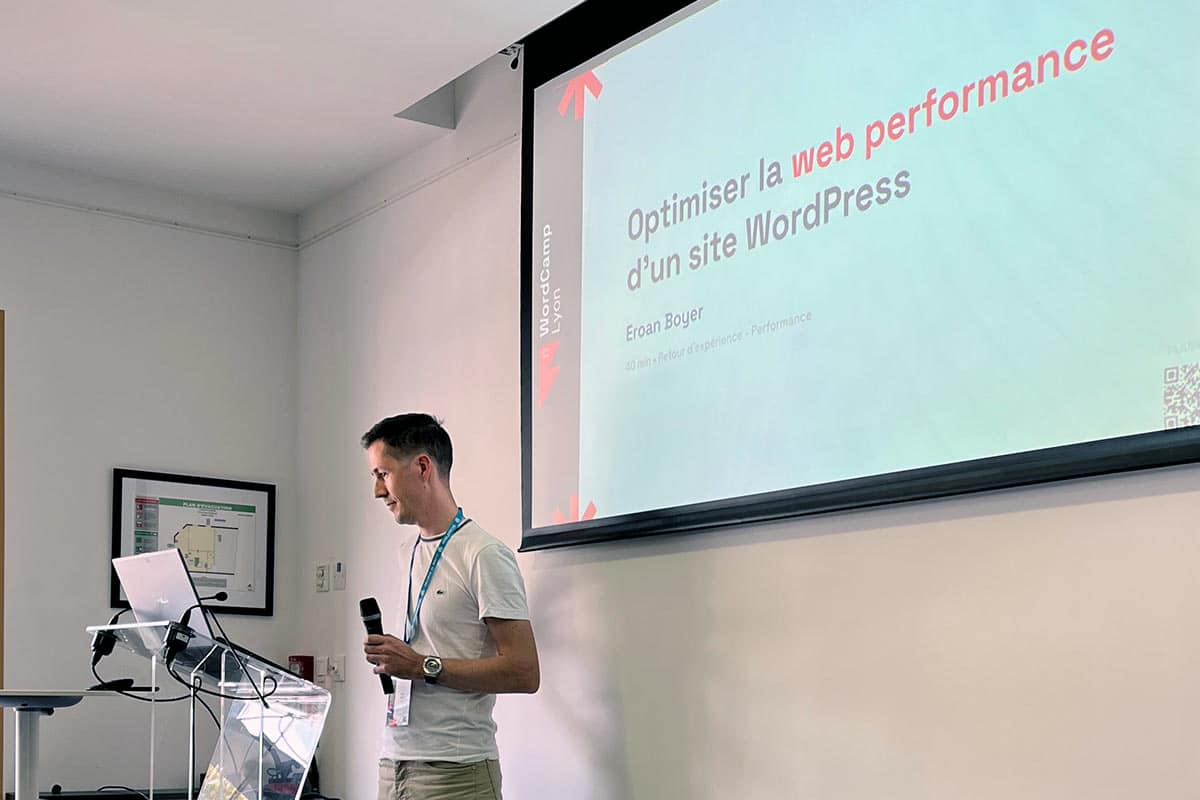
As part of WordCamp Lyon 2022, I gave a conference on my favorite subject: web performance. Among the many topics covered was that of the choice of theme and its impact on web performance, but also on resilience, scalability, and other concepts all closely related to the notion of quality. This is an essential topic that I would like to revisit in a little more detail in a blog post, explaining the approach that I consider to be the right one.
Similar to the slide in my presentation dedicated to the subject, I will address the topic by detailing what absolutely must not be done. Many WordPress users indeed make the same mistakes, with a major impact on performance and the creation of technical debt that is extremely difficult to get rid of later. This penalizes the User Experience, SEO, and many other essential components for the success of a website creation project.
Is your site as fast as your visitors expect?

Why shouldn't you choose a theme for its design?
Because a design can be redone, while a technical foundation is endured. Three criteria regularly lead to a bad choice: the appearance of the demo, advanced features that a dedicated plugin would handle better, and the promise of a Swiss Army knife theme. These three arguments produce the heaviest themes on the market.
... its design!
You have a very specific idea of what you want in terms of design, atmosphere, and colors. To find the theme that will suit your new site, you have browsed theme libraries until you found one that matches your tastes and needs? This is a serious mistake: by choosing a theme for its look, you will miss out on multiple complementary aspects that are just as, if not more, important!
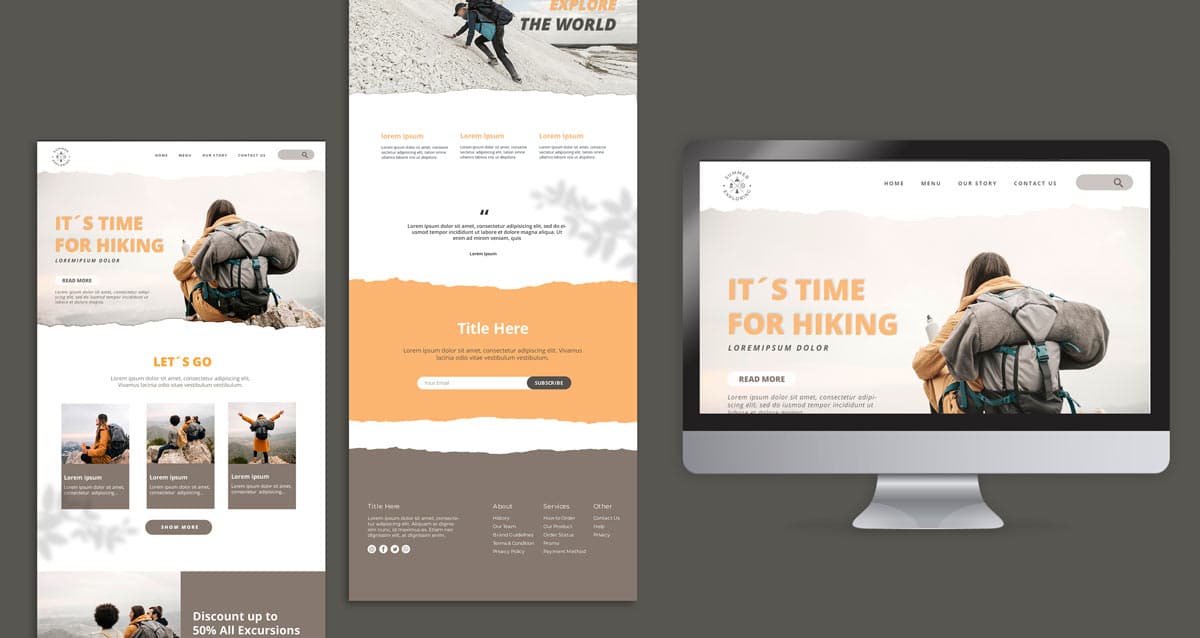
It suits you today, but what makes you think it will be the case in 6 months or 2 years? If your needs evolve, will this theme be able to adapt to them easily? The right approach is therefore to opt for a theme that can be customized via the Customizer, and whose layout you will customize using a page builder, ideally Gutenberg. This theme should also offer an integrated hook system, in order to graft the content of your choice where you want it.
This type of theme is still rare, but fortunately several are among the most popular in the official WordPress repository. You can therefore install the very popular Astra, GeneratePress, and Blocksy with your eyes closed, as they provide a solid foundation for any project.
... its advanced features!
Do you have very specific needs for your project and are looking for a theme that can meet them? This is a serious mistake: a theme should manage a site's architecture, but not its advanced features. You should therefore systematically favor a general-purpose and technically solid theme (with a large user base, active support, and comprehensive documentation).
Very specific features should be supported by a plugin. There are no exceptions to this rule: whether for creating a learning platform (LMS), a geographic directory, or a portfolio, it is essential not to become trapped by a specialized theme. The idea here, too, is not to close doors for the future when the project evolves and you want to offer new types of content through your site.
... its Swiss Army knife aspect!
Have you read the previous 2 parts of this article and therefore think that a theme with a feature list as long as your arm will be ideal? This is, again, a serious mistake: a good WordPress theme doesn't need to anticipate hundreds of features. Instead, it offers accessible mechanisms that make it easy to implement them. This is a very different approach: in one case, the theme locks you into its own interfaces, with its inherent limitations. In the other, it gives you the keys to implement exactly what you need.
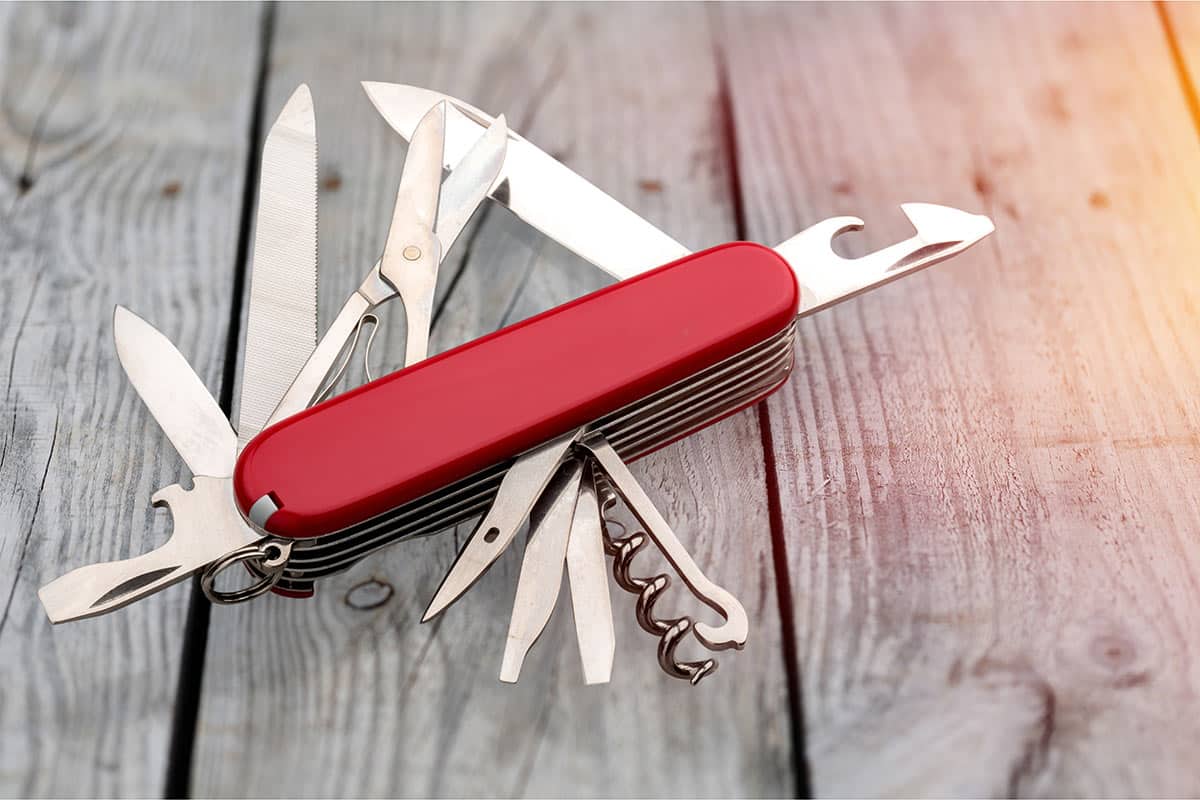
So be wary of themes like Avada or Enfold, whose descriptions promise the moon regardless of the type of site you want to create. They are often unnecessarily bloated, both in the administration interface and for visitors. Themes offered on marketplaces like ThemeForest and TemplateMonster generally tend to fall into this category. By favoring themes from the official WordPress repository, you will reduce the risk of ending up with a gas factory.
What are the criteria for choosing a WordPress theme?
Six technical criteria distinguish a good WordPress theme: its presence in the official directory, its generalist rather than specialized nature, its native customization options, its compatibility with the block editor, the lightness of the code it produces, and the presence of a hook system. None of them concern the design, which is redone, whereas the technical foundation is imposed.
If we had to summarize the key points detailed in this article, here is a checklist:
- A popular theme from the official WordPress directory;
- A generalist theme that does not target a particular niche;
- A theme that offers multiple customization options via the native Customizer;
- A theme compatible with Gutenberg and blocks;
- A theme that has an integrated hook management system.
What is the best WordPress theme for performance?
GeneratePress is the theme we choose for our creations: it loads very little code by default and gives full control over what is actually served. Blocksy, Astra, and Kadence are credible alternatives based on the same principles. The native Twenty Twenty-Five themes remain the most minimalist for a simple site.
These themes share four characteristics. They load a few tens of kilobytes of CSS and JavaScript, compared to several hundred for a marketplace theme; they rely on the native editor rather than a proprietary builder; they expose hooks for clean extension; and they only load a resource if it is useful on the displayed page.
Conversely, two families of themes pose structural problems. Multi-purpose marketplace themes, sold with dozens of importable demos, include all the code from all the demos. Themes coupled with a page builder add an extra rendering layer: their weight no longer depends on what you use, but on what the theme can do.
A word on the nuance that is often missing from this debate: no theme alone guarantees good Core Web Vitals. A minimalist theme used poorly, loaded with plugins, and served from shared hosting, will be slow. The theme sets a performance ceiling, it does not determine the final result.
Do you need a theme or a page builder?
The question is poorly posed: a page builder is not an alternative to the theme, it is an additional layer placed on top. It provides visual editing convenience, at the cost of JavaScript runtime executed on every display. WordPress's native editor renders static HTML, without code to execute on the visitor's side.
Since WordPress 5.9, the Site Editor allows composing entire templates with blocks, including headers and footers, for themes that support it. Editing convenience is therefore no longer the exclusive domain of proprietary builders. Markup control remains entirely on the theme side, which is the condition for achieving tight Core Web Vitals.
When the native block library is not enough, extensions remain within this paradigm without adding a heavy runtime. GenerateBlocks is the one we use, with a small number of highly configurable blocks and styles loading only for blocks actually present on the page. Spectra and Greenshift follow the same logic.
The point of concern is for existing projects. Migrating from a builder to the native editor requires rebuilding templates, as the generated content remains dependent on the extension that created it. The exit cost is part of the initial choice, and it is precisely what is not measured at the time of installation.
Why do some themes load the same files twice?
Because each component brings its own dependencies. A theme loads a library that the builder reloads internally, two extensions each include their own copy of jQuery, three sliders install three different versions of the same library. The browser then downloads the same code multiple times, parses and executes it just as many times.
The cost is double, as highlighted by the Duplicated JavaScript audit in Chrome DevTools. Duplicate bytes increase page weight, but more importantly, the main thread repeatedly parses and compiles the same file, even when the second version overwrites the first. Two versions of the same library can also conflict, resetting a component or breaking an event handler.
Checking takes two minutes: open the Network tab in DevTools, sort by filename, and look for duplicates, ignoring URL parameters used as cache-busters. The same path appearing twice is a flaw, never an inevitability: it can be fixed by removing the redundant declaration on the theme side.
This test is worth doing before purchasing, on the theme's official demo. A theme that already loads duplicates on its own showcase, without any third-party extensions installed, announces what it will produce on your site once completed with your plugins and marketing scripts.
How to check if a WordPress theme is fast?
Test the official theme demo in PageSpeed Insights before any purchase, in mobile version. A healthy theme displays a high lab score on its own demo : if it fails on its showcase, it will fail on your site, where your content, extensions, and marketing scripts will be added.
Then, push the review on three objective points. Note the number of requests and the total weight of the demo page ; check in the Network tab if libraries like jQuery or icon files are loaded everywhere ; and see if the theme imposes a page builder. These three indicators can be read in five minutes, before any commitment.
Final check, often overlooked : the frequency of updates and the responsiveness of the editor. An abandoned theme becomes technical debt and a security risk, regardless of its initial score. A maintained theme is better than a fast theme whose development stopped two years ago.
These few selection criteria will allow you to avoid common mistakes, and start your site project on a healthy and solid foundation. It will thus be easier to pass the Core Web Vitals (the famous Essential Web Signals of the Search Console), but also to maintain it in optimal technical conditions in the long term. This will be an excellent basis for implementing SEO optimizations, a SEA strategy, and maximizing your conversion rates.
The choice of the theme is one of the few decisions in a WordPress project that impacts performance for the entire life of the site. Addressing it later requires a front-end redesign, whereas a few hours of comparison beforehand are enough to avoid it.